Payroll Hours Export
Human Resources > Reports > Pay Day History Reports > Payroll Hours Export
The Payroll Hours Export has been added to the Pay Day History Reports menu:
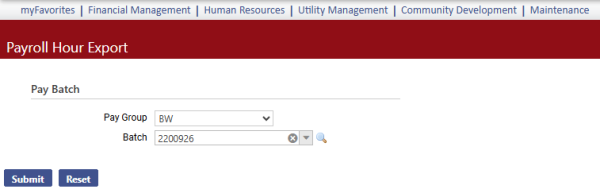
The report captures posted payroll hours information that can be used as an import file in Enterprise ERP. It also can serve as a payroll hours import file in New World ERP, so you are able to duplicate payrolls easily.
From the Pay Group dropdown, select a pay group.
The Batch dropdown contains all posted batches for the pay group selected. Select the batch to export.
Click the Submit button to generate an exportable file containing the payroll hours data for the selected pay group and batch:
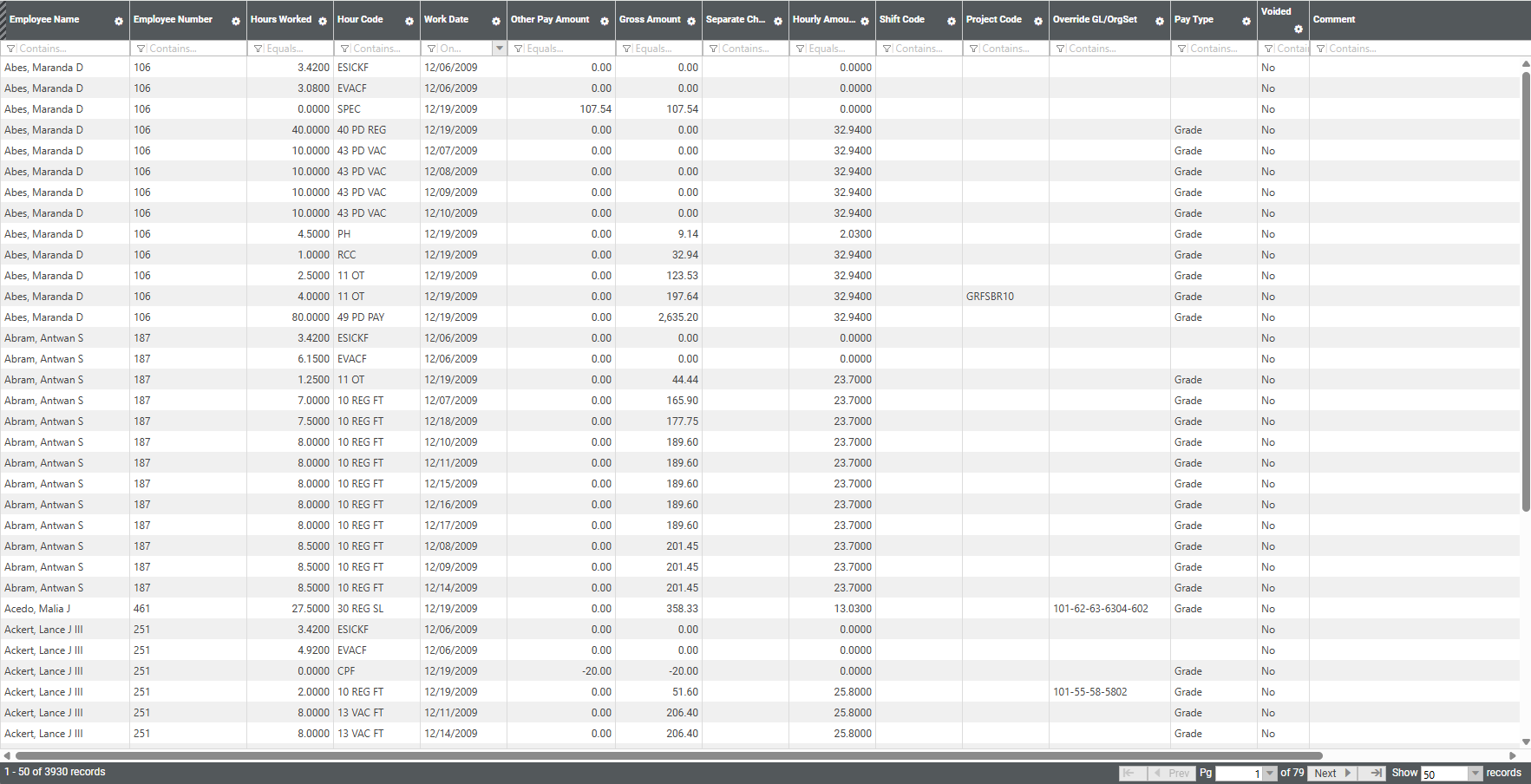
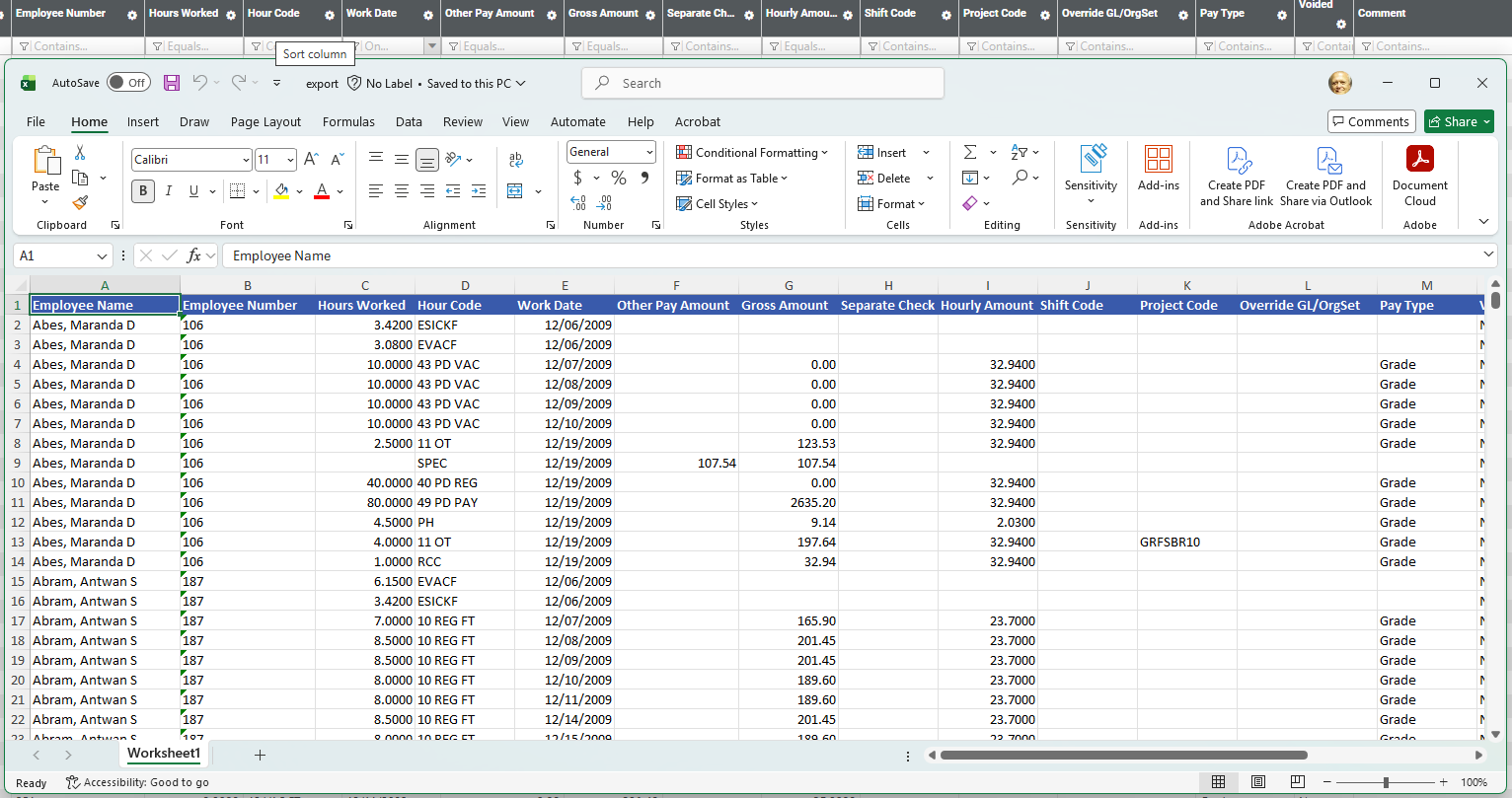
The file can be exported to Excel, modified if necessary and imported as a .csv file to a different batch if desired.
To export the file to Excel, click the gear shift icon in any column header and, from the menu that displays, click Export:
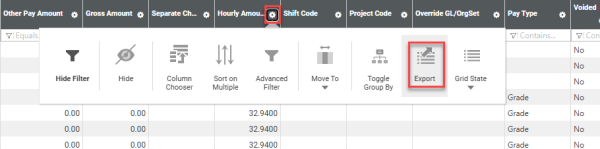
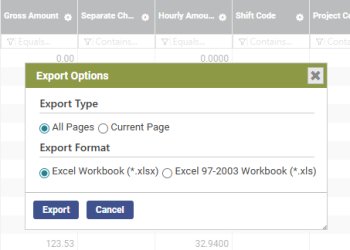
On the Export Options popup, select the desired options, and click Export:
 Permission
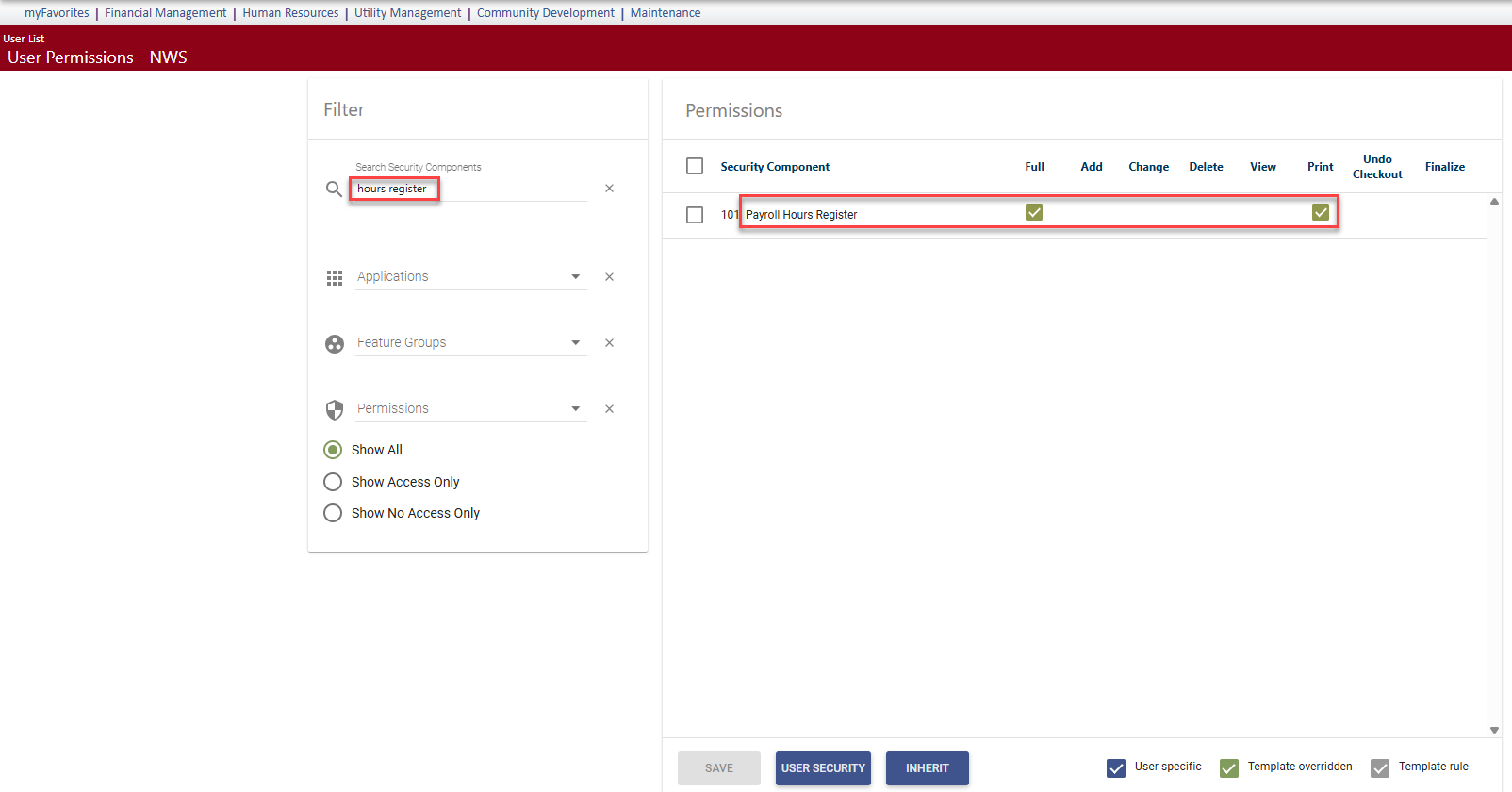
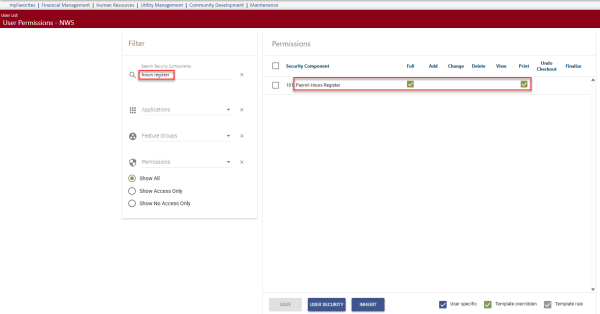
For this report to be available on a user's Pay Day History Reports menu, the user needs permission to the Payroll Hours Register security component:
- Navigate to Maintenance > new world ERP Suite > Security > Users. The User List page displays.
- Use the filter in the User Name column to search for the user.
- Select the user's row.
- Click Permissions. The User Permissions page displays, containing a grid of security components and a filter panel.
-
In the Search Security Components filter, type hours register. The grid refreshes to display the Payroll Hours Register component:
- Select Full permission.
- Click Save.
- For the permission to take effect, the user must log off and log back on.