eSuite Administrator Password Reset
A password reset function has been added to the eAdministration site:
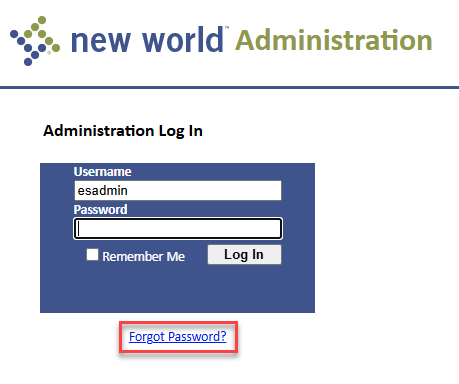
Click the Forgot password? link on the Administration Log In page to display the Password Reset page:
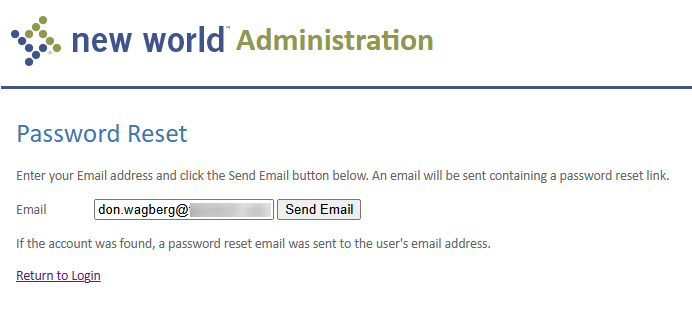
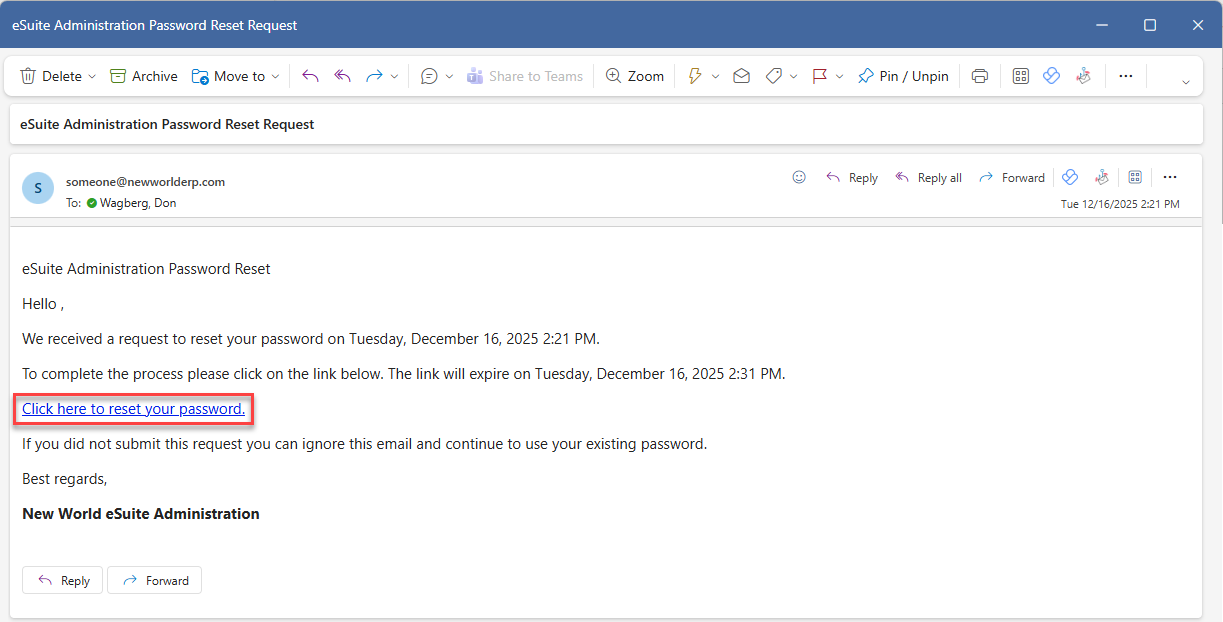
Enter your Email and click Send Email. You will receive an email with a link to click to reset your password:
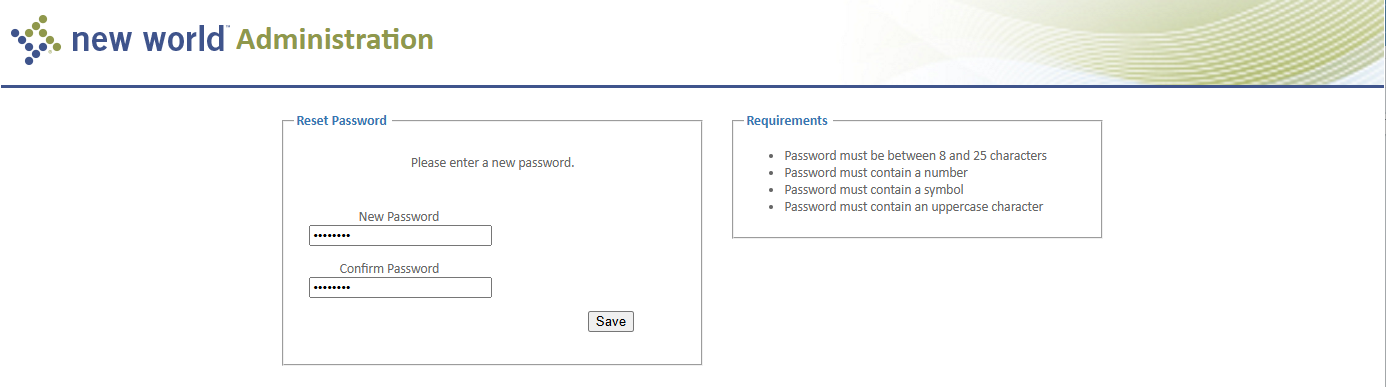
On the Reset Password page, enter and confirm your new password and click Save: